March 3, 2026

Good Directions |
- Sign in and stow your phones out of sight. Log into a Chromebook and complete the WYAW activities.
- Digital Stories can be relatable, thought provoking, humorous, serious, and inspire a range of emotion. Here are two more examples.
- Narration should be:
- Clear, well paced, and audible (no mumbling, please!)
- Crunchy.....(What?) Crunchy Words help when writing a script.
Small Group Activity:
"Crunchy" words.
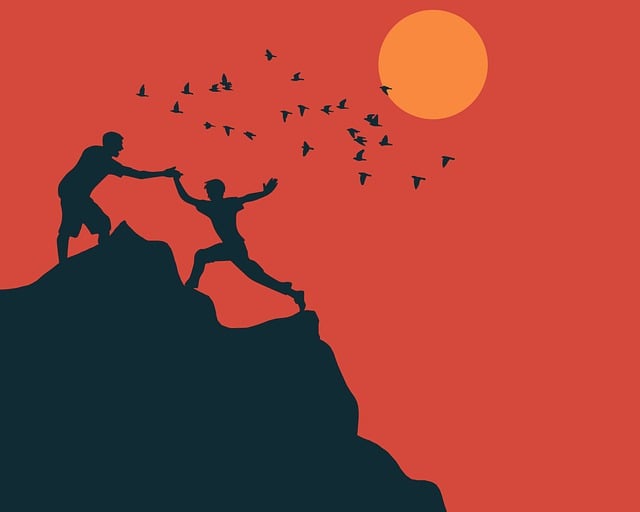
At your table, use crunchy words to describe one of the photos. (CC0 - Pixabay).

"majestic, towering Appalachians"
or
"tall mountains"


Crunchy words? Crunchy words? Crunchy words? 


Crunchy words? Crunchy words? Crunchy words?
- STUDIO TIME: Log into WeVideo https://www.wevideo.com/
- You'll do a practice run on a topic of your choice. Need a suggestion? 1) My Beloved Pet 2) My Fabulous Hobby
- Start a new video making sure you're using the Full Featured Editor
- Look for images and video that can illustrate your story either from your own collection or from the provided "goodies" in WeVideo
- Add them to your timeline and edit them by changing the size of the media object
- Practice moving more than one item on the timeline
- Recording narration and adjusting volume
- Adding music and adjusting volume
- Adding titles over an image or video
- Finishing and getting the published link
- REQUIREMENTS for this practice run. NOTE: This is to show you and me that you know the basics of WeVideo before embarking on your "big story/project".
- Title
- At least 3 images
- At least 1 video
- Credits
- Music
- Narration
Start thinking about a personal story you want to tell. THIS IS A PERSONAL NARRATIVE not an instructional video.
The focus is on one of the topics below but within this broad topic, it can be a personal story of your choice. There are some "must haves" including visuals, narration, duration (between 1:30 and 4:00 minutes), and a title and credits. Otherwise, you can also include - video, sound effects, music, and animations. Want to try out chroma key (green screen) - go for it!
DIGITAL STORYTELLING ASSIGNMENT:
A story of challenge or change - an event or other circumstance that has shaped who you are as a person Tell your teaching journey story - the how and the why.
Who do you love? A story about a person or people who have had a significant impact on your life past or present. (No dogs allowed.....)

This assignment has three parts and ALL will be submitted in Canvas:
- A link to your personal digital story from WeVideo once it has been "Finished" and published. DON'T link to your editing/timeline environment.
- Your script for the project using the StoryCenter 4Cs format: Connect, Context, Change, Closure. (DUE earlier than final project)
TIP: Keep your script to ONE page.
- The personal digital story reflection using the designated word template for in Canvas under Assignments
(filename: "personal_digital_story_reflection.docx").
- You can see all the requirements for this assignment and how you will be assessed by viewing the rubric in Canvas